例6:対称性の利用
対称モデルで対称メッシュを作成する方法の1つは、Volumeの半分だけをメッシュし、そのメッシュをもう半分へコピーすることです。以下ではこの方法を使用します。このモデルは一見単純ですが、大きく歪んでいない妥当なメッシュを得るには相当量のWebcutが必要です。
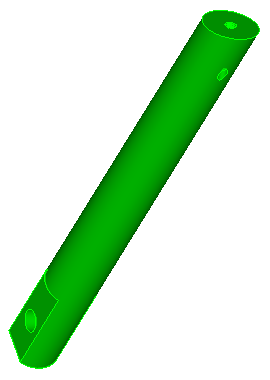
推奨Webcut
| Webcut | コマンド |
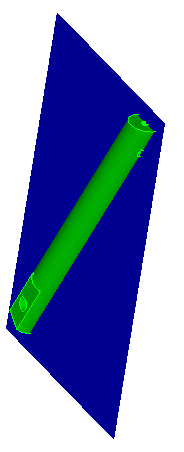 |
CUBIT> webcut body 1 with plane xplane offset 0 CUBIT> delete body 2 |
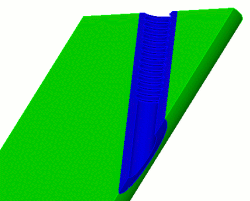 |
CUBIT> webcut body 1 with cylinder radius 2.75 axis y |
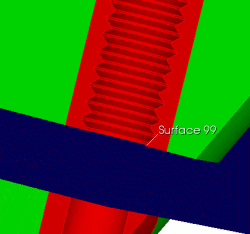 |
CUBIT> webcut body 1 3 with plane yplane offset 0 |
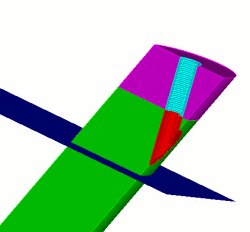 |
CUBIT> webcut body 1 with plane yplane offset -15 |
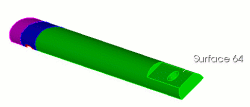 |
CUBIT> webcut body 1 6 4 with plane surface 64 |
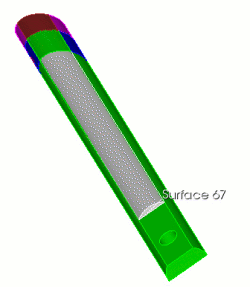 |
CUBIT> webcut body 1 with plane surface 67 |
|
|
CUBIT> webcut body 5 with plane zplane offset 1.5 CUBIT> webcut body 11 with plane zplane offset -1.5 |
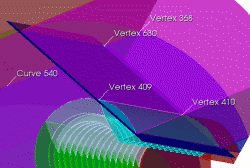 |
CUBIT> create vertex on curve 540 distance 2 from vertex 368 CUBIT> webcut body 4 with plane vertex 409 vertex 410 vertex 630 |
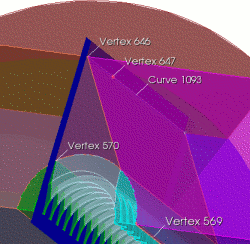 |
CUBIT> create vertex on curve 1093 distance 3 from vertex 646 CUBIT> webcut body 14 with plane vertex 570 vertex 569 vertex 647 このWedge形状のWebcutは、最終メッシュの歪みを制御する方法です。 |
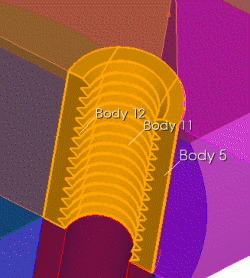 |
CUBIT> unite body 5 11 12 |
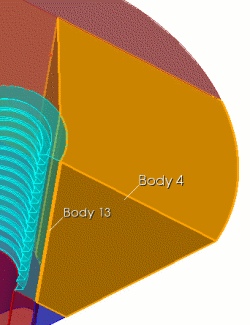 |
CUBIT> unite body 4 13 CUBIT> delete vertex all CUBIT> imprint all CUBIT> merge all CUBIT> vol all size .5 |
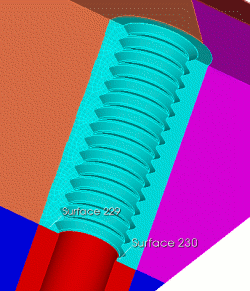 |
CUBIT> surf 229 size .25 CUBIT> mesh surf 229 CUBIT> volume 5 scheme sweep source 229 target 230 CUBIT> mesh volume 5 |
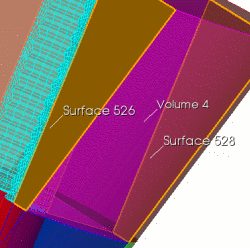 |
CUBIT> volume 4 scheme sweep source surface 526 target 528 CUBIT> mesh volume 4 |
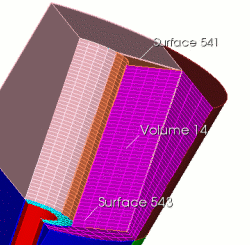 |
CUBIT> volume 14 scheme sweep source 543 target 541 CUBIT> mesh volume 14 CUBIT> delete mesh CUBIT> unmerge all |
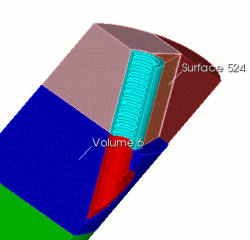 |
CUBIT> webcut body 6 with plane surface 524 |
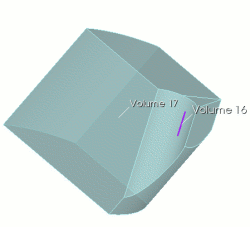 |
CUBIT> unite body 16 17 |
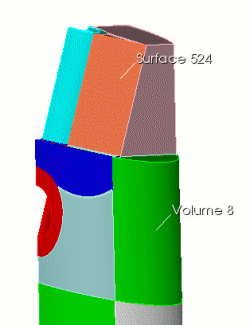 |
CUBIT> webcut body 8 with plane surface 524 |
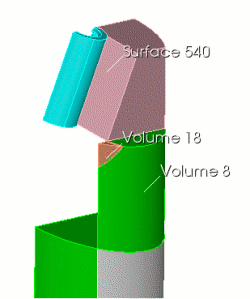 |
CUBIT> webcut body 18 with plane surface 540 |
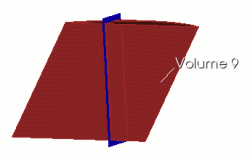 |
CUBIT> webcut volume 9 with plane zplane offset -3 rotate 5 about x これも最終メッシュの歪みを抑えるための処理です。 CUBIT> imprint all CUBIT> merge all |
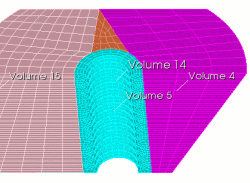 |
CUBIT> mesh volume 5 (swept around) CUBIT> mesh volume 4 (mapped) CUBIT> mesh volume 14 (swept top to bottom) CUBIT> volume 15 scheme map CUBIT> curve all in volume 15 size 0.5 CUBIT> mesh volume 15 |
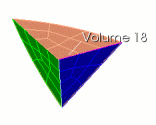 |
CUBIT> volume 18 scheme tetprimitive CUBIT> volume 18 interval 3 CUBIT> mesh volume 18 |
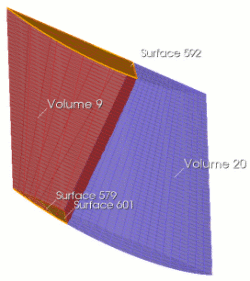 |
CUBIT> volume 9 scheme sweep source surface 579 601 target surface 592 rotate off CUBIT> mesh volume 9 CUBIT> mesh volume 20 |
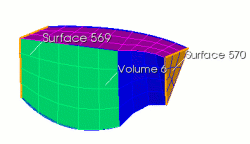 |
CUBIT> volume 6 scheme sweep source 569 target 570 CUBIT> mesh volume 6 |
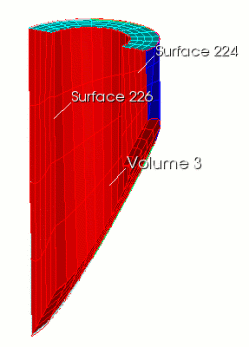 |
CUBIT> volume 3 scheme sweep source 224 target 226 CUBIT> surf 224 226 scheme map CUBIT> mesh volume 3 |
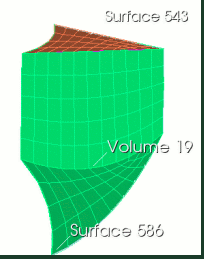 |
CUBIT> volume 19 scheme sweep source 543 target 586 CUBIT> mesh volume 19 |
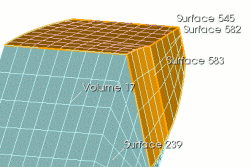 |
CUBIT> volume 17 scheme sweep source 545 583 582 target 239 CUBIT> mesh volume 17 |
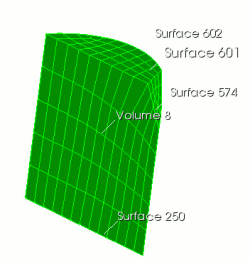 |
CUBIT> volume 8 scheme sweep source 574 597 601 target 241 CUBIT> mesh volume 8 |
|
|
CUBIT> volume 7 1 size 2 CUBIT> volume 7 1 scheme auto |
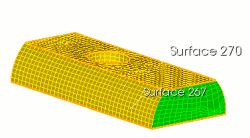 |
CUBIT> volume 10 scheme sweep source 270 target 267 CUBIT> mesh volume 7 1 CUBIT> mesh volume 10 |
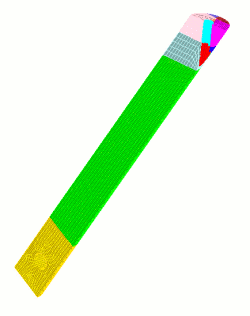 |
CUBIT> unmerge all CUBIT> body all copy reflect x CUBIT> merge all |
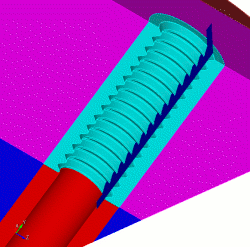
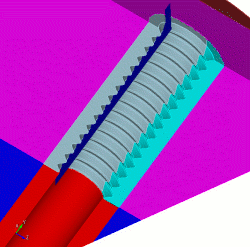
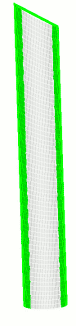
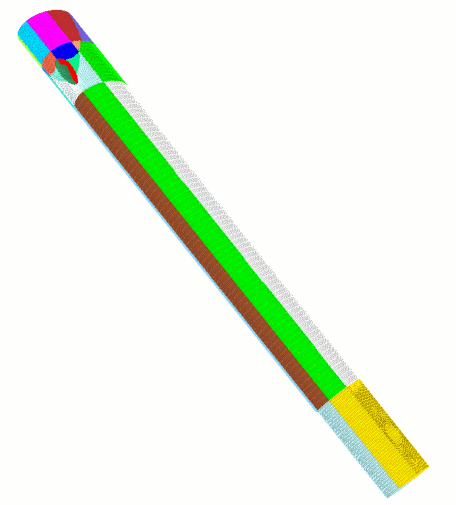
最終メッシュ
最後のステップでメッシュ全体をコピーし、x軸に対して反転します。この例で対称性を利用する利点は、Decomposition作業を半分にできることと、完全に対称なメッシュを保証できることです。